
No Internet, No Problem: The New Software That Works Perfectly Offline
Picture a scene that is deeply, painfully familiar to anyone who has ever commuted in the UK. You are sitting on a train—perhaps travelling from London to Brighton, or rattling through the rolling hills of Yorkshire. You have a quiet hour ahead of you, and you decide to get some work done. You open your laptop, boot up your favourite project management tool or document editor, and prepare to be incredibly productive.
Then, the train enters a cutting. Or a tunnel. Or perhaps it simply experiences the standard, mystifying phenomenon where the onboard Wi-Fi decides to take an unscheduled nap.
Instantly, your screen freezes. A little grey circle begins to spin. A hostile red banner appears at the top of your window: "Connection lost. Retrying..." You click a button. Nothing happens. You try to type a sentence. The text doesn’t appear. The beautiful, expensive piece of software you rely on to run your business has suddenly become about as useful as a chocolate teapot.
For the last fifteen years, we have been told that "the Cloud" is the ultimate destination for all technology. But in our rush to move everything online, we accidentally built a digital world that is incredibly fragile.
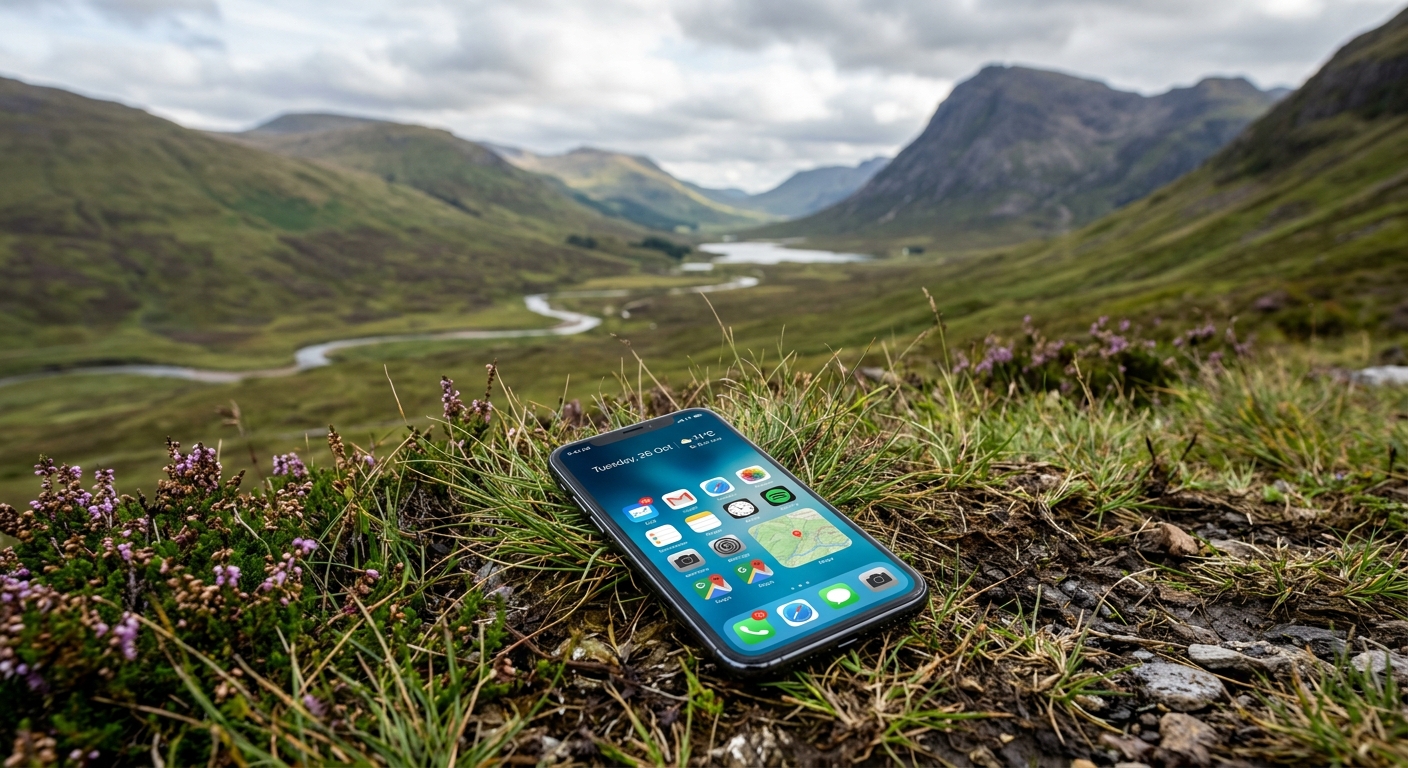
A new architectural trend called Local-First Software is here to fix this. It is a quiet rebellion against the cloud-only model, designed to ensure that your software never freezes, never locks you out, and works perfectly—even if you are sitting in a Wi-Fi-free signal black hole at the bottom of a Scottish glen.
The Cloud Lie: Why "Online-Only" is a Design Flaw
To understand why local-first is such a massive leap forward, we need to look at how almost all modern web software currently works.
Right now, your laptop or smartphone is treated by most software companies as a "thin client." In plain English, this means your device is treated as a dumb piece of glass. It doesn't actually hold your data, and it doesn't do any of the heavy thinking.
Instead, every single time you click a button, edit a spreadsheet, or type a message, your phone has to write a digital "letter," send it across the 4G or 5G airwaves, route it through undersea cables, and deliver it to a massive server farm in Ireland or Virginia. That server reads your letter, decides if it’s allowed, updates its master database, and sends a letter all the way back to your device saying, "Okay, you can show the text now."
[ Your Device ] ---- ( 3G / 4G / Wi-Fi ) ----> [ Remote Server in Ireland ]
¦ ¦
+<--- ( "Okay, you can display the text now" ) ------+
When you have a lightning-fast fibre-optic connection, this happens in milliseconds, and it feels like magic. But the second your connection gets patchy, the illusion shatters. You are subjected to the dreaded "Optimistic UI"—a polite tech term for software that pretends it has saved your work, only to throw a tantrum and lose your last three paragraphs when it realises it can't talk to the mother ship.
In this cloud-first world, the server is the single source of truth. If the server goes down, or if your connection drops, your work is effectively held hostage.
What is "Local-First" Architecture?
Local-first software completely flips this relationship on its head.
Instead of treating the distant cloud server as the "master" copy of your data, local-first software treats your local device as the primary source of truth.
When you use a local-first app, your data is saved directly to a database that lives inside your phone, tablet, or laptop's physical hard drive. Because the database is sitting right there on the microchip inside your hand, there is no network lag. When you click "save," "edit," or "delete," it happens instantly. No spinners. No loading screens. No latency.
[ Local-First App ] ? Writes instantly to [ Local Device Database ]
¦
? (In the background, when connection exists)
[ Cloud Sync / Backup ]
The cloud hasn't been abandoned; it has simply been demoted. In a local-first setup, the cloud's job is no longer to run the app, but rather to act as a quiet background assistant. When you have internet access, the app silently synchronises your local database with the cloud database. If you lose Wi-Fi, the app doesn't care. It keeps working perfectly. When you finally reconnect, the app gently syncs up any changes you made while offline.
It is the digital equivalent of carrying a physical notebook. If you write in a notebook on a train, the pen doesn't stop working when you enter a tunnel. You just keep writing, and when you get home, you can type those notes up to share them with your team.
Real-World Champions of Local-First
While the term "local-first" might sound like a futuristic developer buzzword, you are almost certainly using software built on these principles already.
Obsidian: This incredibly popular note-taking and knowledge-mapping tool stores all your documents as plain text files directly on your computer's hard drive. It is blisteringly fast, works entirely offline, and uses optional cloud syncing as a backup rather than a requirement.
Figma: The industry-standard design tool allows thousands of designers to collaborate on the exact same digital canvas simultaneously. It uses complex offline syncing engines so that even if your connection drops mid-design, you can keep editing without losing a pixel.
Linear: The project management tool of choice for modern tech startups. It loads instantly and operates smoothly offline because it syncs your company’s entire issue history directly onto your local machine.
WhatsApp: When you send a message, it doesn't sit on WhatsApp's cloud servers forever. Your chat history is stored directly on your physical phone, syncing up to your computer or web browser only when the devices link up.
The Technology: How Does It Actually Work?
While this sounds simple in theory, making it work in practice without turning your data into a chaotic mess is a major engineering feat. Software developers achieve this using two main pieces of technology.
1. The On-Device Database (SQLite)
Instead of relying on heavy databases that can only run on giant enterprise servers, local-first apps use lightweight, hyper-fast databases that can live right inside a web browser or a mobile app. The most popular choice is SQLite—a tiny, open-source database engine that is already built into almost every smartphone on earth. Because the app is reading and writing to its own local SQLite database, it can load thousands of records in microseconds.
2. Conflict-Free Replicated Data Types (CRDTs)
This is a very long, academic name for a beautifully simple concept.
The biggest challenge with offline software is conflict. Imagine you and your colleague, Sarah, are both editing the same project task list while offline.
You rename a task to "Send Newsletter on Tuesday."
Sarah, working from a different train, renames that exact same task to "Send Newsletter on Wednesday."
What happens when you both get back online? In traditional software, the system would panic. It would either overwrite Sarah’s work with yours, throw an error, or create two confusing, duplicate copies of the file.
CRDTs are clever mathematical data structures that act like a digital referee. They are designed so that no matter how many people edit a document offline, and no matter what order those updates eventually arrive at the server, the data is mathematically guaranteed to merge seamlessly without any human intervention.
Think of it like a Git repository for your daily app data. It branches out while you are offline, and merges back together smoothly when you are back online.
The "Semantic" Catch
However, there is a catch. While CRDTs are masters of mathematical conflict resolution—meaning they prevent your database from corrupting and ensure both users eventually see the exact same screen—they are entirely blind to human context (what developers call semantic conflicts).
If you go offline and change a document's heading to "Q1 Financial Report," and Sarah, also offline, changes the paragraphs below it to discuss "Q2 Marketing Goals," the mathematical algorithm will merge your edits perfectly. The file won't crash, but the resulting document will make absolutely no sense to a human reader. CRDTs can keep your data structurally healthy, but they still cannot solve a lack of team communication.
The Superpowers of Going Local-First
For businesses and users alike, switching from cloud-first to local-first architecture unlocks three massive superpowers:
1. Speed That Feels Like Science Fiction
Because there is no network round-trip required for your actions, local-first applications feel blindingly fast. Buttons react the exact millisecond they are clicked. Pages transition instantly. It removes the subtle, exhausting mental friction of waiting for web pages to "load" all day.
2. Absolute Reliability
Your software becomes immune to the outside world. It doesn't matter if your office Wi-Fi goes down, if AWS has a global outage, or if you are working on an aeroplane. Your business operations don't grind to a halt because of a third-party server issue.
3. Ultimate Data Privacy and Longevity
In the cloud-first era, if a software company goes bankrupt, shuts down its servers, or decides to double its subscription prices, your data can vanish overnight.
With local-first, because the files live on your hardware, you retain ultimate ownership. Even if the company that built the software disappears, your local app will keep running, and your data remains safely in your hands. Furthermore, because sensitive data stays on your device rather than constantly flying across the internet, it is inherently easier to align with strict UK GDPR regulations.
Is There a Catch? (The Honest Limitations)
As with any technology, local-first is a set of trade-offs. It is not a magic solution for every single type of software, and there are several practical hurdles to consider.
1. The Storage Limit
Because local-first requires saving data onto the user’s device, it is not suitable for apps that handle petabytes of information. You cannot build a local-first version of Netflix, because you cannot fit the entire Netflix video library onto a 128GB iPhone. It is best suited for text, data records, documents, and assets that can easily fit within a device's standard storage.
2. The Physical Security Risk
While keeping data off the cloud can make it safer from remote online hackers, it introduces a major physical security threat: device theft.
In a cloud-first model, if you leave your laptop on a train, the thief only has a piece of "dumb glass." Once you change your passwords, your data is completely secure. In a local-first model, your entire company database might be sitting on that physical hard drive. If your business devices are not properly encrypted (using tools like BitLocker or FileVault), local-first actually makes you far more vulnerable to physical data leaks.
3. Battery Drain and Processor Heat
In the cloud-first world, massive server farms in Dublin or London do all the "heavy thinking." Local-first brings that heavy thinking back to your own pocket.
Running a database, managing real-time syncing, and executing complex merging algorithms requires significant CPU power and RAM. For users on older smartphones or inexpensive laptops, local-first apps can drain batteries significantly faster and cause devices to heat up as they act as their own mini-servers.
4. The "Cold Start" Sync
While local-first apps offer instant loading times once they are set up, they suffer from a frustrating "cold start" problem.
If you log into a local-first app on a brand-new computer for the first time, you cannot simply start working instantly. The app has to download your entire workspace's database history from the cloud to your physical hard drive before you can safely take it offline. Depending on the size of your company's records, this initial sync can take several minutes of staring at a loading bar.
5. The Complex Setup
Building a local-first application is significantly harder for development teams than building a standard cloud app. It requires a completely different way of thinking about data sync, security, and conflict resolution. While tools like PowerSync, Yjs, and ElectricSQL are making this much easier, it still requires highly skilled engineering to get right.
The Verdict: A More Humane Digital Future
For the last decade, we have tolerated slow, fragile, and volatile software because we believed it was the price we had to pay for the convenience of the cloud.
Local-first architecture proves that we can have the best of both worlds. We can have the seamless collaboration, automatic backups, and multi-device syncing of the cloud, combined with the raw speed, offline reliability, and privacy of local desktop software.
As internet connectivity in the UK remains stubbornly patchy—and as users grow increasingly tired of constant subscription price hikes and cloud outages—the demand for resilient, offline-ready software is skyrocketing.
The future of software isn't up in the clouds. It is right here on your desk, on your phone, and in your hands.
More Technology Worth Keeping an Eye On
Technology moves quickly, although not every new tool deserves a marching band. These three articles look at other changes that may genuinely affect how useful software is designed and built.
The Fast New Language Speeding Up Web Development
Why We Write About Technology
Keeping up with modern technology is part of building software well. We need to know which languages, platforms and development methods solve a real problem, which introduce new risks and which are mainly enjoying a noisy week on the internet. That knowledge helps us choose the right foundations for what we code, rather than simply reaching for whatever was fashionable last Tuesday.
A Few Things We Have Built
TrailTrack combines mapping, route planning, personal records and community features in one platform. RiCreate turns a complicated publishing process into a manageable workflow, while RiNet provides a foundation for internal tools and information. They are useful examples of modern technology being chosen for a purpose, not for the pleasure of adding another logo to a diagram.
Have Something You Want to Build?
Tell us what the business needs and what is getting in the way. We can decide which technology actually suits the job, build the system and leave the fashionable experiments somewhere safer.
What is offline-first software?
Offline-first software keeps the essential data and functions available on the device, then synchronises changes when a connection returns.
How does offline software avoid losing changes?
It records changes locally and uses a planned synchronisation process. Good systems also have clear rules for resolving conflicts when two people edit the same information.
Which businesses benefit from offline-capable apps?
Field teams, warehouses, rural services, events and anyone working in buildings with unreliable coverage can benefit when an internet outage should not stop the job.