
Survival in the Turbo C++ Era
A Guide to the Old Ways: Survival in the Turbo C++ Era
If you're used to modern development, the idea of "vibe coding" probably feels like the natural evolution of the craft. You have a thought, you describe it to an AI, and the machine handles the heavy lifting of syntax and structure. But for a long time, coding wasn't a conversation. It was a manual labor job performed on a keyboard.
To understand where we are in 2026, it helps to look back at the programs that defined the industry for decades. Specifically, we're looking at Turbo C++. This wasn't just a program; for many, it was the only way to build software. It was rigid, it was unforgiving, and it required a level of precision that would make a modern developer's head spin.
What Was Turbo C++ Exactly?
Before we had integrated development environments (IDEs) that looked like sleek, customizable dashboards, we had Turbo C++. Created by Borland, it was a software package that lived entirely within the DOS operating system. If you opened it today, you'd be greeted by a bright blue screen with a menu bar at the top that you mostly navigated using keyboard shortcuts because mouse support was, at best, a suggestion.
It was an "all-in-one" tool, which was revolutionary at the time. It included an editor (where you typed), a compiler (which turned your text into machine language), and a debugger (which helped you find out why everything was broken). It didn't have internet access, it didn't have auto-complete, and it certainly didn't have a "chat" window to ask for help. You were alone with your logic.
The Technical Reality of Writing Code
In 2026, we focus on intent. In the 90s, we focused on syntax. C++ is a "compiled" language, meaning the computer can't read the text you write directly. It has to be translated. In Turbo C++, this meant you had to follow a very specific set of rules or the translation would fail instantly.
One of the biggest hurdles for beginners was the "Header File." Before you could even start writing your program, you had to tell the compiler which tools you were going to use by "including" headers like iostream.h or conio.h. If you forgot to include a header, the computer wouldn't even know how to print the words "Hello World" to the screen.
Then there was the structure. Every single line of executable code had to end with a semicolon. If you missed one, the compiler wouldn't just flag that line; it would often get confused and start reporting errors on completely unrelated lines five pages down. You didn't just write code; you proofread it like a legal contract.
Understanding the Three Stages of a Build
When you hit the "Build" button in Turbo C++, three distinct things happened. Understanding these helps explain why coding used to take so much longer.
The Pre-processor: The program would go through your text and swap out any shortcuts or "includes" you'd written for the actual code they represented. This happened behind the scenes and could make your small file suddenly become massive.
The Compiler: This was the main event. The compiler checked your grammar. It didn't care if your math was wrong or if your app was going to crash; it only cared if your "sentences" were constructed correctly according to the laws of C++.
The Linker: This was usually where the real headaches began. The linker's job was to grab all the different pieces of your program and "link" them together into a single .exe file. If you had called a function that didn't exist, the compiler might pass it, but the linker would fail.
Today, this happens in milliseconds. On an old 386 or 486 computer, this process could take minutes for even a simple program. You learned very quickly not to click "Build" until you were absolutely sure you were ready.
The Nightmare of Manual Memory Management
Perhaps the most informative part of looking back at C++ is understanding "The Heap" and "The Stack." In modern languages, the computer manages memory for you. If you create a list of users, the computer finds a spot for them and cleans up when you're done.
In Turbo C++, you were the janitor. If you wanted to store data that wasn't a fixed size, you had to use a command called new to grab a piece of the computer's RAM. The catch was that the computer would never take that memory back on its own. You had to use the delete command.
If you forgot to delete what you newed, you created a memory leak. The program would keep eating RAM until the computer ran out and crashed. This is why old software was often so "unstable." It wasn't that the logic was bad; it was just that humans are naturally bad at remembering to clean up after themselves in ten thousand lines of code.
Pointers: The Concept That Broke Brains
If you want to talk about "the old ways," you have to talk about pointers. A pointer is a variable that stores a memory address. Instead of saying "here is the value 5," a pointer says "the value you want is located at memory address 0x0045F."
This gave programmers incredible power. You could manipulate the computer's memory directly, which made programs very fast. But it was also incredibly dangerous. If your pointer accidentally pointed to the wrong address—say, the part of the memory that controlled your keyboard or your screen—and you tried to change the value there, the whole system would "Hard Lock." You'd have to reach over and hit the physical reset button on the computer case. There was no "Undo" for a pointer error.
Why Books Were the Only Source of Truth
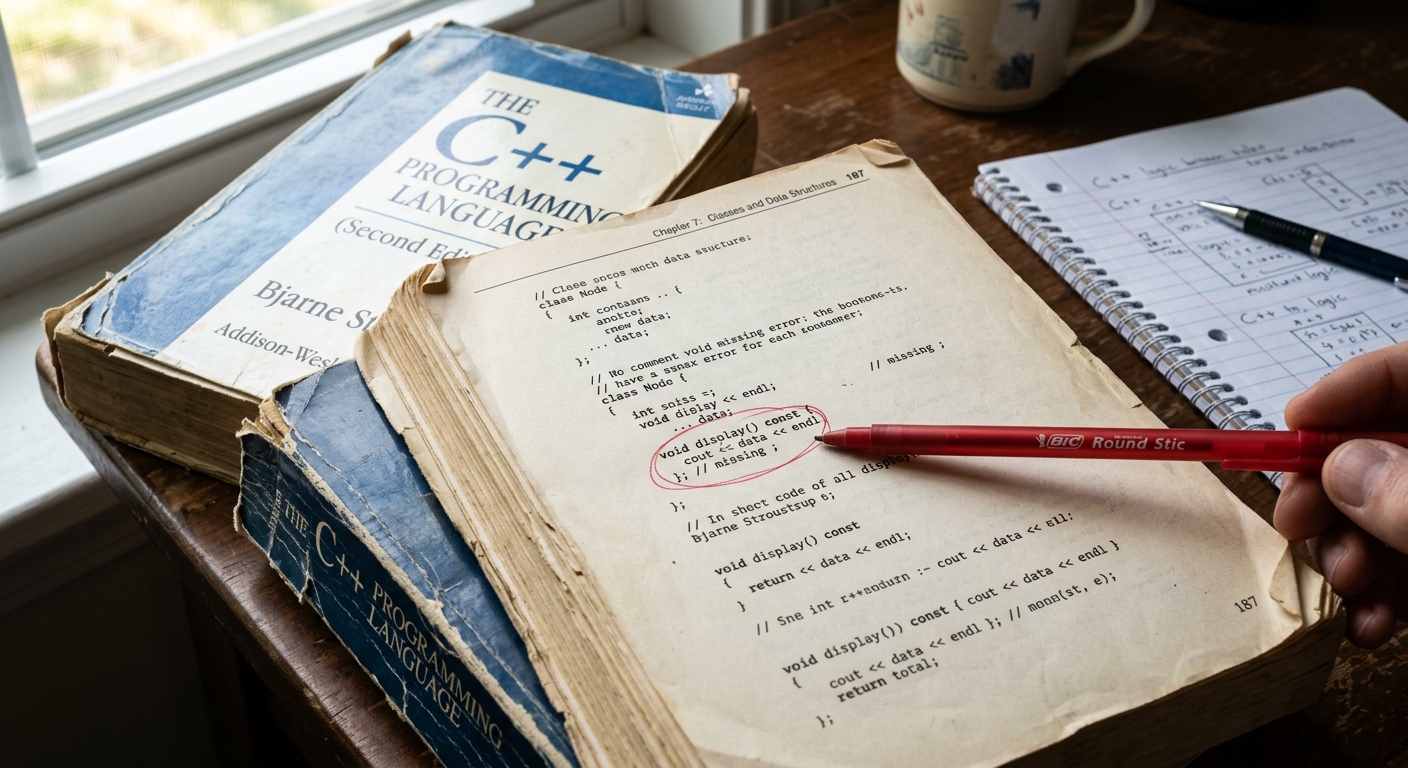
In 2026, we have the luxury of infinite documentation. If a function doesn't work, we ask a search engine or an AI. In the Turbo C++ era, your "Search Engine" was a physical book, likely written by Bjarne Stroustrup (the creator of C++) or Herbert Schildt.
These books were essentially dictionaries. If you didn't know how to use a specific library, you looked it up in the index, found the page, and read the technical definition. There were no "tutorials" in the modern sense. You had to understand the theory to write the code.
Because information was so hard to get, programmers tended to specialize deeply. You didn't just "dabble" in C++; you lived in it. You learned the quirks of the Borland compiler versus the Microsoft compiler. You learned which versions of the software were stable and which ones would crash if you looked at them wrong.
The Shift from Logic to Intent
The most important thing to realize about programs like Turbo C++ is that they forced you to think like a machine. You had to visualize how data was moving through the processor and where it was sitting in the RAM.
Today, we've moved toward "Intent-Based Coding." We care about the result, and we let the AI handle the mechanical translation. Looking back at the C++ era isn't just about nostalgia; it's about recognizing that the "magic" we have now is built on top of a very rigid, very difficult foundation.
The people who coded in the 90s weren't smarter than developers today, but they had to be more patient. They had to be part-time mathematicians and part-time detectives. While we wouldn't want to go back to waiting ten minutes for a build or hunting for a missing semicolon, understanding how that software worked gives you a much better appreciation for why today's tools feel so effortless.
It reminds us that underneath every "vibe" and every AI prompt, there is still a machine that needs to be told exactly what to do, one semicolon at a time.
More From the Archives
If this walk down memory lane appealed to you, we've got plenty more where that came from. Our Retro Tech section is full of deep dives into the machines, languages, and design decisions that shaped modern computing. Here are a few to get you started:
Why We Care About Old Technology
We don't write about old technology just for the nostalgia. We write about it because understanding how technology worked then is the key to understanding how it works now. The principles that powered Turbo C++ still power the frameworks we use today—they're just hidden under several layers of abstraction and convenience.
That knowledge isn't academic for us. It's practical. At Richah, we use that foundational understanding to build fast, efficient, and reliable software for clients who need systems that actually work. Here's some of what we've made:
TrailTrack - The Best Ever Outdoor Hiking Website
RiVault - Encrypted Password Manager
RiCreate - Content and Social Media Creator
If you've got a project that needs more than surface-level thinking—something that requires real technical depth and a team that understands software from the ground up—we'd love to hear from you. Get in touch and let's talk about what we can build together.
What was Turbo C++ and why was it important?
Turbo C++ was an all-in-one software development tool created by Borland that ran on DOS. It was revolutionary because it bundled an editor, compiler, and debugger together in one package, and for many developers in the 90s, it was the only way to build software.
What are pointers in C++ and why were they so dangerous?
A pointer stores a memory address instead of an actual value, which gave programmers direct control over the computer's memory. The danger was that if your pointer accidentally pointed to the wrong address (like where your keyboard or screen was controlled), you could crash the entire system and have to physically reset the computer.
How long did it take to compile a program in Turbo C++?
It depends on your hardware, but on old 386 or 486 computers, even simple programs could take minutes to build. Today the same process happens in milliseconds, which is why developers back then learned to be absolutely certain their code was ready before hitting the build button.