
The "Left on Read" Problem: Why Google Knows Your Page Exists But Won't Reply
There is a quiet, vulnerable moment that every website owner knows. It happens right after you hit the "Publish" button.
You’ve spent hours, maybe days, staring at a blank screen. You’ve paced the room, poured too many cups of coffee, written draft after draft, and finally put together a page you are genuinely proud of. You click that button, the screen flashes, and your work is officially out there in the cold, vast wilderness of the internet.
So, you wait.
You check your traffic stats the next morning. Nothing. You check them a few days later. Still nothing. In a moment of quiet desperation, you open a private browser window, type the exact name of your new page into Google, and press enter.
Your site is nowhere to be seen. It’s not on the first page, it's not on the fifth page, and it’s not on the tenth. It’s as if you built a beautiful new shop in the middle of a forest, but forgot to build a road leading to it.
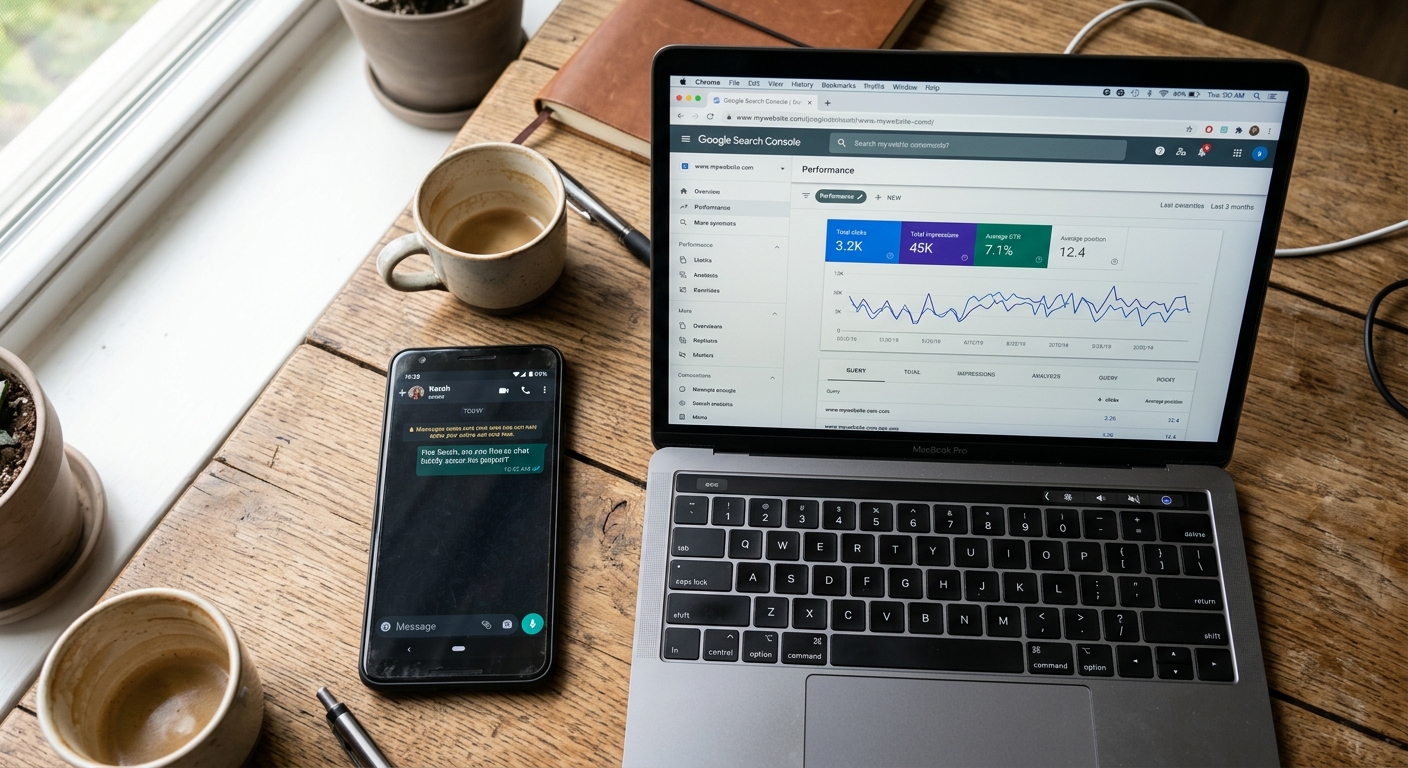
If you’ve set up Google Search Console—which is essentially a free, slightly moody dashboard that shows you what Google thinks of your website—you will eventually wander over to the report labeled "Indexing." And there, sitting in a cold, grey table, you will see one of two phrases that have caused thousands of business owners to sigh, close their laptops, and wonder why they bothered in the first place:
Discovered - currently not indexed
Crawled - currently not indexed
These phrases look like they were written by a bureaucratic robot trying to be polite but failing. In the real world, this is the digital equivalent of seeing two blue ticks on WhatsApp, knowing the other person saw your message, and realizing they have absolutely no intention of replying to you.
You’ve been left on read by a search engine.
When you’re running a business, this feels like a personal rejection. You start worrying that your website is broken, or that you’ve done something wrong, or that you need to hire an expensive consultant to whisper magic words to the Google algorithm.
But you don’t. You don’t need to learn how to code, and you don’t need to memorize technical manuals. We just need to understand how Google’s system actually finds your work, why it is currently giving you the silent treatment, and how to gently nudge it into talking to you again.
The Story of the Overworked Librarian
To understand why Google is ignoring your new page, we have to stop thinking of the search engine as a magical, all-knowing brain. Instead, think of Google as an incredibly busy, slightly overwhelmed librarian who has been tasked with cataloging every single piece of paper on earth.
This librarian doesn't just sit in a quiet room waiting for people to bring him books. He has to actively wander the world, find new pages, read them, and decide if they are worth saving. He does this in three distinct steps:
Step 1: Discovery (Finding the Address)
The librarian can't visit a page if he doesn't know it exists. Because the internet is too big to walk cover-to-cover, he finds new pages by following links like a trail of breadcrumbs. If your homepage links to your new blog post, or if a friend’s website links to your business, the librarian spots that link and writes the address down in his notebook. He hasn't looked at the page yet; he just knows it’s there.
Step 2: Crawling (Visiting the House)
Once the librarian has a moment, he travels to the address in his notebook. He walks through the front door, reads the headlines, looks at the images, and tries to get a feel for what the page is about. This is the "crawling" phase.
Step 3: Indexing (Putting It on the Shelf)
If the librarian decides the page is tidy, helpful, and makes sense, he takes a copy of it and files it away in the library's master archives (the "index"). When a human types a question into Google, the librarian doesn’t search the live internet—that would take far too long. Instead, he runs back to his archives, flips through his indexed pages, and pulls out the ones he has already saved.
If your page isn't in that index, you do not exist in search results. You could have the most life-changing product or the most beautiful writing in your industry, but if the librarian hasn't put you on the shelf, your target audience will never find you.
Now that we know how the library works, we can look at the two cold phrases Google threw at you and figure out exactly where the librarian got stuck.
Fixing "Discovered - currently not indexed" (The Unopened Envelope)
If your Search Console dashboard is showing "Discovered - currently not indexed," it means the librarian has written your address down in his notebook, but he hasn't actually traveled to your website to look at it yet.
Think of this like sending a wedding invitation to a friend. They received the envelope. They saw your name on the front. They put it on the kitchen counter next to their car keys. But they haven't actually opened the envelope, read the details, or RSVP'd. They just know they have mail.
This can feel incredibly frustrating. You’ve done the hard work of creating the page, so why is Google refusing to even look at it?
There are usually three reasons for this, and none of them mean your website is broken.
1. You're the New Kid on the Block
If your website is less than a few months old, Google doesn't quite trust you yet. Every single day, thousands of spam websites are created, left online for a week, and then abandoned. Google has learned to be cautious. It doesn't want to spend its valuable computing power thoroughly exploring a brand-new site until it knows you are going to stick around.
The librarian has seen your invitation, but he's waiting to see if you're a permanent resident of the neighborhood before he spends his afternoon visiting your house.
2. The Overloaded Desk
Let’s say you hire a new office assistant, and on their very first morning, you drop a stack of five hundred paper folders on their desk and say, "Organize these by lunchtime." They are going to freeze.
If you have recently launched a new website with dozens of pages, or if you imported fifty old blog posts from a previous platform all at once, Google’s bots look at the sheer volume and hesitate. They queue them up, and that queue can take weeks to clear. Your pages aren't rejected; they are just sitting at the bottom of a very tall inbox.
3. The Electric Bill (Crawl Budget)
Running Google costs a mind-boggling amount of electricity. Because of this, Google doesn't give unlimited attention to any single website. It assigns your site a "crawl budget"—a set amount of time and energy its bots are allowed to spend on your pages each day.
If your website is slow to load, or if it is designed in a confusing way where the bots get stuck in endless loops of empty pages, they will run out of time, pack up their things, and leave. Your remaining pages are left in the "Discovered" pile because the bot simply ran out of hours in the day.
How to Help the Librarian Open the Envelope
If your page is stuck here, the good news is that there is nothing wrong with your content. Google hasn't read it yet, so they haven't judged it. You just need to make it easier for them to get to the front door.
Give them a clear map: Submit your website's sitemap directly inside Search Console so the bots don't have to hunt for your links. A sitemap is exactly what it sounds like—a simple, clean, organized map of your entire site that you hand directly to Google so they can catalog everything efficiently.
Build some internal bridges: Link to your fresh content from an older, already-indexed page to pass trust down the chain. If your new page has zero links pointing to it from the rest of your website, Google assumes it’s a dusty, unimportant corner. Go to your homepage or a popular blog post, and add a natural link to your new page.
Take a deep breath and wait: Give Google's bots a little time to warm up to a brand-new domain. Patience is genuinely your best tool here. It can take a few weeks for Google to gain confidence in your site's consistency, but once they see you are sticking around, the visits will start happening much faster.
Fixing "Crawled - currently not indexed" (The Polite Rejection)
This is the status that hurts.
If Search Console says "Crawled - currently not indexed," it means the librarian actually came over to your website. He walked through the rooms, sat on your sofa, read your words, and then made a conscious decision not to put your page in his library.
This isn't a backlog. It isn't a delay. It is a deliberate choice.
Why would Google look at your work and decide it isn’t worth showing to people?
1. The "Stale Crisps" Problem (Thin Content)
We have to be completely honest here: storing pages costs Google money. If you write a 300-word blog post that simply repeats the same basic advice found on five hundred other websites, Google has no reason to save it.
If your page doesn't offer any unique value, the bot reads it and thinks, "This is just a rehashed version of a Wikipedia article. I already have that on my shelf, so I don't need another copy." In the industry, they call this "thin content." It’s not that your writing is bad; it’s just that it’s the digital equivalent of a bowl of stale party crisps. It’s there, but nobody is going to go out of their way to consume it.
2. The Duplicate Identity Crisis
Sometimes our website platforms accidentally create multiple copies of the exact same page without us realizing it.
For example, if you sell a handmade candle, your shop might create one link for yoursite.com/products/lavender-candle and another link for yoursite.com/shop/gifts/lavender-candle.
To a human, it’s obviously the same candle. To Google’s bot, those are two completely different web addresses. When it visits both and finds identical words, it gets confused. To keep search results from looking messy, it will index one of them and throw the other into the "Crawled - currently not indexed" pile.
3. The Sticky Floor (Poor User Experience)
Imagine walking into a restaurant where the food smells incredible, but the floor is sticky, the tables are wobbly, and it takes twenty minutes for someone to bring you a menu. You’d probably walk out before you even ordered.
Google’s bots judge your website the same way. If your page takes eight seconds to load because you uploaded massive, uncompressed images straight from your phone, the bot notices. It might technically "crawl" your text, but it will decide that the experience of using your page is too miserable to recommend to its users.
How to Turn a Rejection Into an Invitation
Fixing a "Crawled" status means looking at your website through the eyes of a stranger who owes you nothing. You have to make the page genuinely better.
Add some meat to the bones: Expand short or generic pages with your own real-world experiences. Don't just list facts; add your own personality, insights, or mistakes. If you are writing about how to decorate a room, tell a story about the time you painted your guest bedroom a bright yellow and realized it looked like the inside of a lemon. That human element is something AI and generic sites can't replicate, and Google loves it.
Fix the duplicates: Merge identical pages into one great, comprehensive guide and delete the leftovers. If you have multiple pages saying the exact same thing, it confuses the bots. Keep your site clean and unified, or use a "canonical tag" (which we will cover in our next article) to declare the official version.
Shrink your images: Use a free online tool to compress your images before you upload them. High-resolution photos are the silent killers of website speed. Lighter pages load faster, keeping both your visitors and Google's bots happy.
Waving at the Librarian: The URL Inspection Tool
If you have spent time improving a page that Google previously rejected, or if you have a brand-new page that you want Google to see immediately, you don't have to sit on your hands and wait for them to notice.
At the very top of Google Search Console, there is a prominent search bar that says "Inspect any URL."
If you paste your specific page link in there and hit enter, Google will run a live test on that page. If it isn't in the library, you will see a small, grey button that says "Request Indexing."
Clicking that button is like raising your hand in a quiet classroom and saying, "Excuse me, I've finished my work, could you please take a look?" It pushes your specific page to the very front of Google's crawl list.
But use this power wisely. Clicking the button ten times won't make Google move any faster—it will just make them ignore you. Use it only when you have launched something truly important, or when you have made genuine, deep improvements to a page that was previously left on read.
Stop Writing for the Machine
When you start digging into the reports and numbers inside Google Search Console, it is incredibly easy to lose your way. You start worrying about algorithms, search bots, and keyword densities. You start writing sentences that sound like they were generated by a corporate committee rather than a living, breathing human.
But here is the ultimate truth of the internet: The search bots are trying to copy us.
Google’s entire business depends on humans finding answers that make them feel heard, helped, and respected. If Google starts showing dry, robotic, keyword-stuffed pages, people will leave and use another tool.
The most reliable, foolproof way to get your website out of the "not indexed" doghouse is to stop trying to please the machine and start trying to help the person on the other side of the screen.
Before you hit publish on any page, read it out loud. Does it sound like you talking to a friend over a coffee? Does it actually solve a problem? Is it easy to read?
If the answer is yes, you can ignore the technical panic. The librarian will eventually open your letter, read your words, and find a permanent place for you on the shelf.
More Practical SEO Help
If this article was useful, there is plenty more in our SEO section. We explain what matters, what can safely be ignored and which jobs are better dealt with before they turn into a weekend.
These three are a sensible place to continue:
The Technical Site Flaws That Drop Your Rankings
Why We Write About SEO
We write about SEO because it is part of building a website properly. The page structure, content and search foundations are considered from the start, rather than added later when somebody notices Google has wandered off.
If you choose our ongoing website management, we take care of the website after launch. We plan and write content, publish updates, case studies and reviews, keep important pages accurate, check that search engines can find them, and look after the design, hosting, security and everyday changes. The website stays useful without becoming another job on your list.
Would You Rather We Took Care of It?
Entirely reasonable. If you would like us to build a website with the search foundations in place — and continue looking after it once it is live — tell us what your business needs and we will take a proper look.
Why might Google know about a page but not index it?
Google may consider the page duplicative, thin, poorly linked or less useful than another version. Crawl capacity and conflicting canonical or indexing signals can also delay inclusion.
Will requesting indexing solve a page that is not indexed?
It can prompt another crawl, but it does not fix the underlying reason. Improve the page and its internal links, remove conflicting signals and then request indexing when the page is ready.
How can I make an important page easier for Google to trust?
Give it a clear purpose, useful original content, descriptive headings and links from relevant pages. Keep the canonical, sitemap and indexing instructions consistent.