
Why Clicking "Remind Me Later" on Software Updates is a Bad Idea
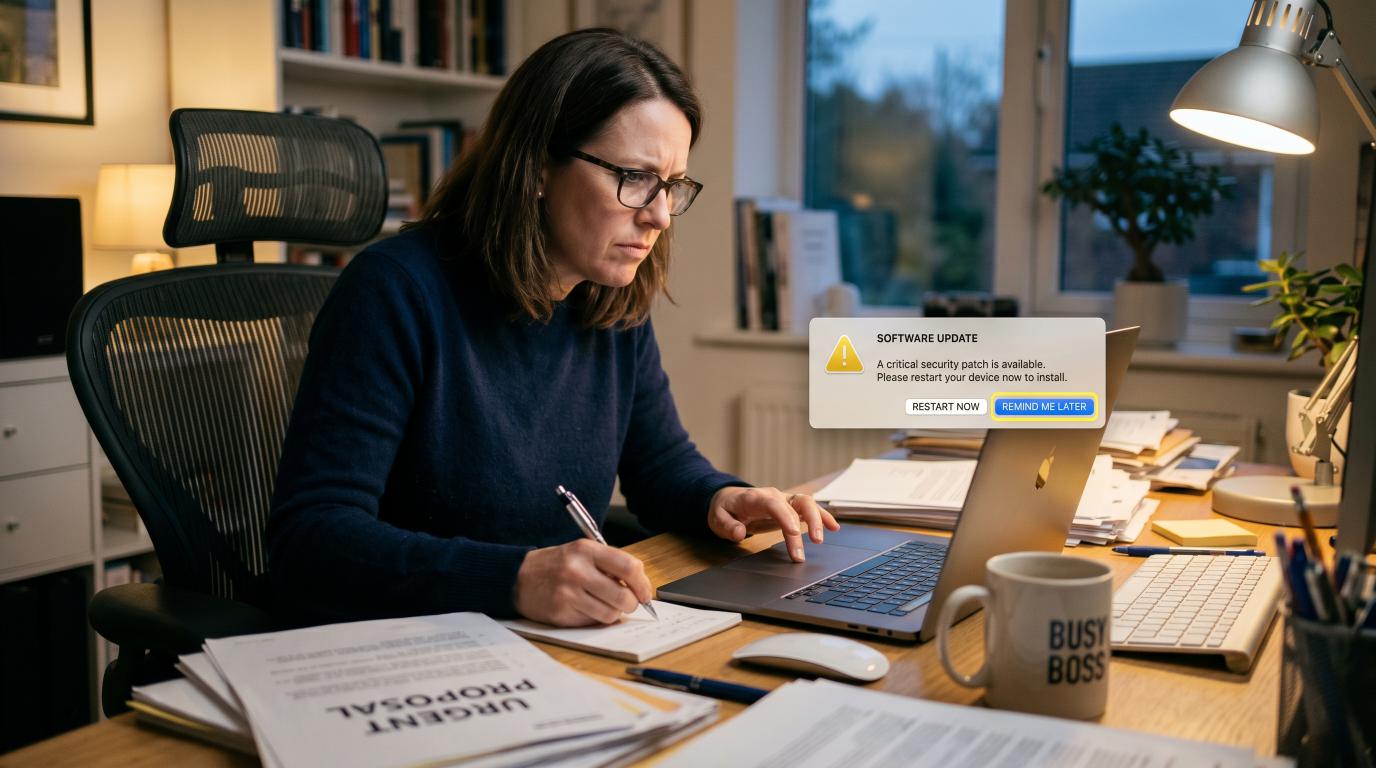
We have all been there. You are in the middle of writing an urgent proposal, sorting out a client invoice, or preparing for a big presentation, when a little notification slides into the corner of your screen.
"A software update is available. Restart your computer now to install."
Underneath the message, there is a lovely, comforting button that says: "Remind Me Later." You click it. You choose "Remind me tomorrow" or "Remind me in 4 hours." You do this because you are busy, you have work to do, and you don’t want to sit there staring at a progress bar for ten minutes while your machine reboots.
It feels harmless. It feels like putting off a chore, like doing the washing up or filing your receipts—something you can easily handle on the weekend.
But in the digital world, clicking "Remind Me Later" on a software update is a game of Russian roulette with your business security.
To understand why, we need to strip away the technical jargon and look at what is actually happening behind those annoying pop-up notifications.
The Faulty Lock Analogy
Imagine you own a physical shop on the high street. One morning, the manufacturer who built your front door lock sends you an urgent, official letter.
The letter says: "We have discovered a minor design flaw in the lock model you bought. If someone hits the side of the lock with a hammer at a specific angle, the deadbolt slips open instantly. We have designed a free, quick fix to reinforce the lock. Can we come and install it today?"
You wouldn’t read that letter, look at the locksmith, and say: "Actually, I’m quite busy today. Can you come back next month instead?" You would want them to fix it immediately, before a burglar spots the vulnerability and empties your shop.
A software update is exactly like that locksmith offering a free reinforcement. When Microsoft, Apple, Google, or your website providers release an update, they aren’t just trying to annoy you. They are rushing to patch a digital lock that they have discovered is faulty.
What Actually is a "Security Hole"?
Tech developers refer to these flaws as vulnerabilities or bugs. But you can simply think of them as secret, accidental back doors left unlocked in the software.
When programmers write millions of lines of code to build an operating system (like Windows or macOS) or a website plugin, they make mistakes. It is virtually impossible to build something that complex without leaving a few unintended gaps.
For a long time, these gaps might sit there quietly, unnoticed by anyone. But eventually, one of two things happens:
1. The Good Guys Find It First
Security researchers (the "good guys") discover the gap. They quietly notify the software company, saying: "Hey, we found an unlocked window in your system." The software company goes into overdrive, writes a patch to lock the window, and rolls it out to the public as a software update.
2. The Bad Guys Find It First (The "Zero-Day" Race)
Sometimes, cybercriminals find the gap first. They use it to break into computers, steal data, or install malware. Because the software company had "zero days" notice to fix the flaw before hackers started exploiting it, the tech world calls this a Zero-Day Exploit.
When this happens, the software company works around the clock to release an emergency update to shut the door.
[ Hacker discovers an unlocked backdoor in your software ]
¦
?
[ Software company rushes out a fix (The Update) ]
¦
?
+---------------------------------+
? ?
[ You click UPDATE ] [ You click REMIND ME LATER ]
¦ ¦
? ?
[ The backdoor is locked ] [ The backdoor stays wide open ]
[ Your business is safe ] [ Hackers scan and exploit your system ]
Every day you delay installing an update, you are leaving that backdoor wide open, hoping a burglar doesn’t walk past and try the handle.
Why Waiting Even a Day is a Massive Risk
A common misconception among business owners is: "Well, hackers don't even know my business exists. I'll be fine waiting a week."
This is a dangerous misunderstanding of how modern cybercriminals operate. Hackers do not sit at their keyboards manually selecting targets one by one. They use automated software bots that constantly scan the entire internet highway.
These bots crawl through millions of computers, routers, and websites every single hour, looking for one specific thing: devices running outdated software.
When an update is released, the software company has to publish a public list of what the update actually fixes. This is a legal and practical requirement. But this means hackers get a public roadmap showing them exactly where the security holes were.
They then write automated tools to target those exact holes, targeting anyone who hasn't clicked "update" yet. In the security industry, this is known as an N-Day exploit. It is the digital equivalent of a burglar checking every shop window on the high street to see who ignored the locksmith's warning letter.
The Four Critical Updates Every Business Must Automate
To keep your business protected without losing your mind, you don’t need to manually check for updates every morning. You just need to set up a few automatic boundaries.
Make sure these four critical areas are configured to update automatically:
1. Operating Systems (Windows & macOS)
This is the foundation of your entire computer. If your operating system is compromised, everything sitting on top of it—your files, your browser, your passwords—is compromised too.
- The Rule: Go to your computer's settings and turn on "Automatic Updates."
Watch Out for the 3:00 AM Sleep Trap: Many people schedule their updates for 3:00 AM when they are asleep. But if your employees shut their laptops at 5:00 PM, pop them into a bag, or let them fall into a deep sleep mode, the update will not run. To update, a computer must be switched on, connected to the internet, and plugged into a power source.
Downloading is Only Half the Battle: Simply downloading an update does not make you safe. The security patch is almost never active until you actually reboot your machine. If you keep your computer turned on and open for three weeks straight, you are still completely vulnerable. Restarting is the physical act of turning the lock.
2. Mobile Devices (iPhones, iPads & Androids)
We do almost half of our modern business on our phones—checking work emails, logging into business banking, and approving multi-factor authentication codes. Yet, we rarely think of our phones as computers. Mobile operating systems and the apps on them are prime targets for hackers and need the exact same auto-update love.
- The Rule: Enable automatic software updates in your phone settings, and make sure your apps are set to update automatically over Wi-Fi overnight when your phone is on its charger.
3. Website Plugins (The Classic Backdoor)
If your business has a website (especially a WordPress site), this is where you are most vulnerable. WordPress sites rely on "plugins" for features like contact forms, SEO tools, or payment checkouts. Outdated plugins are the number one reason business websites get hacked.
- The Rule: Log into your website dashboard or speak to your web developer. Enable auto-updates for reputable plugins, and completely delete any plugins you are no longer using. An unused plugin is just an unused back door waiting to be kicked in.
4. Your Wi-Fi Router (The Invisible Front Door)
This is the most overlooked device in any office. Your Wi-Fi router is the gateway between the internet and all your computers. Routers run their own software (called firmware). If your router’s firmware is outdated, hackers can breach your entire office network.
- The Rule: Most modern routers have an "auto-update" setting in their administrative console, or you can ask your IT support to check it for you. If you haven't touched your office router settings since 2019, it is highly likely that your front gate is wide open.
| Update Type | Why It's Target Number One | How to Handle It |
|---|---|---|
| Operating System | Controls your entire computer and data. | Enable auto-updates; plug in overnight and reboot regularly. |
| Mobile Devices | Handles business emails, banking, and security codes. | Set system and apps to update automatically overnight over Wi-Fi. |
| Website Plugins | Often built with weaker security codes. | Set to auto-update; delete unused ones. |
| Wi-Fi Router | The gateway to your entire network. | Ensure automatic firmware updates are enabled. |
"But Updates Break My Stuff!" (The Legitimate Fear)
We have to address the elephant in the room here. Business owners don’t put off updates just because they are lazy. They put them off because they are terrified that the update will break something.
We have all had the experience of updating our phone or laptop, only to find that our favourite app no longer opens, our printer refuses to connect, or our website layout suddenly looks like a scrambled puzzle.
This is a completely valid operational fear. If an update breaks your website or your core business software on a busy Tuesday morning, it can cost you thousands of pounds in lost sales and downtime.
Here is how to manage this risk like a pro:
For Everyday Computers: Stick to the auto-updates. The risk of getting hacked because you didn't update is infinitely higher than the risk of a standard Windows or Mac update breaking your machine.
For Your Business Website: Do not just click "auto-update" on major website platform files without a backup plan. Instead, work with a professional software or web development agency. They will use a staging site—a secret, identical copy of your website. They test the updates on the staging site first to ensure nothing breaks, and only push them to your live site once they know it is 100% safe.
Back Up Everything: Before you run any major update, make sure your data is backed up. If something does go wrong, you can simply press "undo" and restore your system to how it was five minutes ago.
The Scaling Problem: Shouting at 50 People Doesn't Work
If you are a solopreneur, managing updates is easy—you just follow the rules above. But if your business is growing and you now have 5, 10, or 50 employees, relying on individual staff members to plug their laptops in overnight or click "restart" is a recipe for disaster.
You can't manage business security with polite requests.
To solve this, growing businesses use basic Mobile Device Management (MDM) software, often managed by a local Managed Service Provider (MSP). This allows you to control all your company’s laptops and phones from a single dashboard.
Instead of hoping your sales manager updates their computer, you can centrally force all devices to download updates, schedule reboots at convenient times, and ensure your entire company's locks are reinforced at the exact same time.
The Verdict
In the physical world, we accept that locks rust, keys wear down, and windows get cracked. We don't expect our physical security to last forever without maintenance.
Digital security is no different. Software is not static; it is constantly evolving, and so are the tools hackers use to break into it.
The next time that update notification pops up on your screen, don't view it as an annoying interruption. View it as a free upgrade to your security system. Take five minutes, make a cup of tea, and let the software builders do what they do best: lock the back doors and keep your business safe.
More Cyber Security Help
Security advice can become stale remarkably quickly, so we keep reading, testing and writing about it. These three articles continue the subject without expecting you to develop an enthusiasm for warning logs.
Why We Keep Up with Cyber Security
We build websites and software that people trust with real business information. That means security cannot be sprinkled on at the end: we need to understand current threats, safer development practices and the technology protecting data while we design and write the code. Keeping up with the subject is part of doing the job properly.
A Few Things We Have Built
TrailTrack shows what happens when mapping, route planning, personal records and a growing community have to work together as one dependable platform. RiNet and RiOrganise are different kinds of systems, but they follow the same principle: useful software should fit the people using it and protect the information entrusted to it.
Have Something You Want to Build?
Tell us what the business needs to do, where the awkward parts are and who will use it. We can work out the technology, build it properly and explain the decisions without turning the conversation into a computer-science exam.
Why are software updates important for security?
Updates often close weaknesses found after the software was released. Delaying them leaves a known route available to attackers and malware.
Should automatic software updates be enabled?
For most everyday devices and applications, yes. Important business systems may need a tested update process so compatibility and backups are checked before wider installation.
What should I do before a major update?
Make sure important data is backed up, confirm that essential software supports the new version and allow enough time to finish the update without interrupting urgent work.