
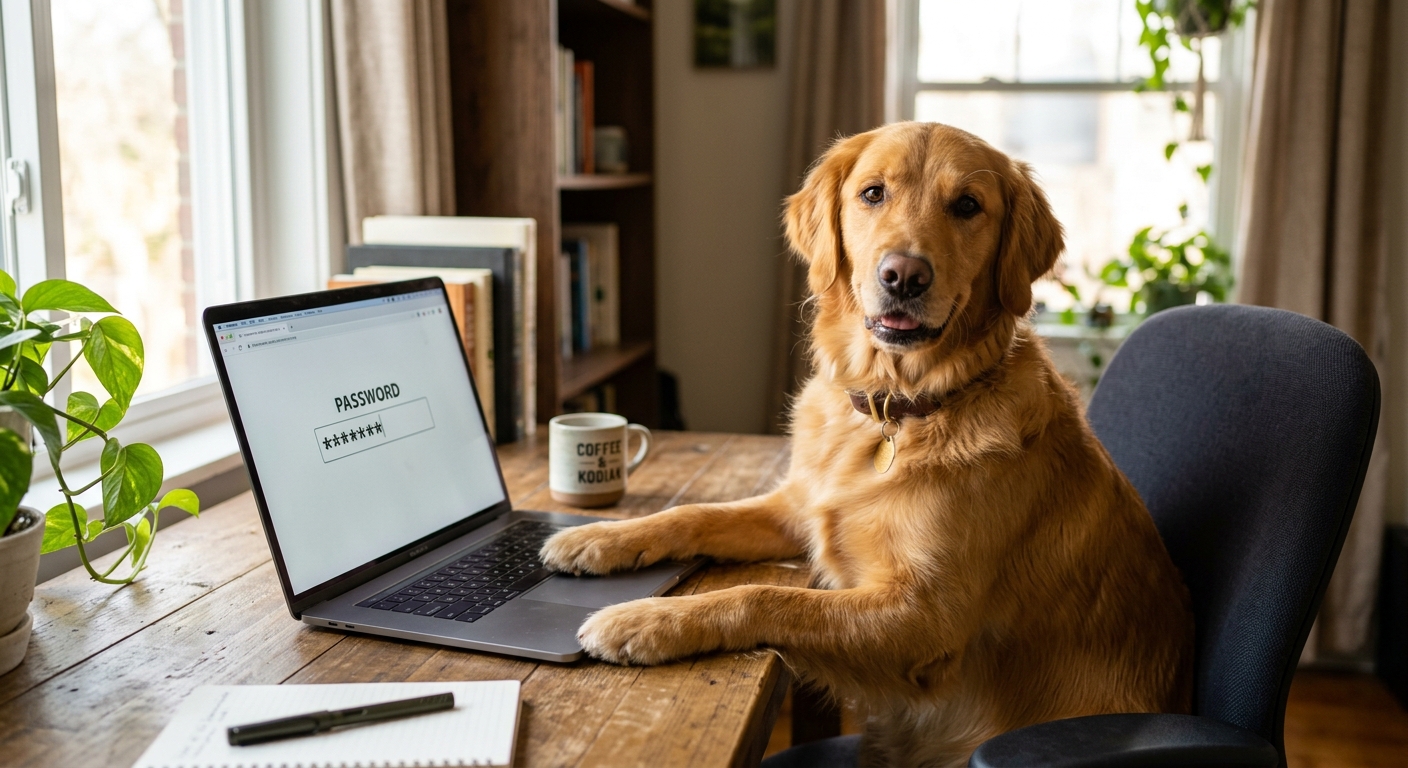
Stop Using Your Dog’s Name: The Easy Way to Handle Passwords
Let’s be honest with ourselves for a moment. Somewhere in your digital life, you have a "favourite" password.
It might be your childhood dog’s name, your first car, or your favourite football team, followed by a birth year and maybe an exclamation mark to satisfy those annoying website security checkers. You know, the ones that refuse to let you sign up unless you include a capital letter, a number, a special character, and a small sacrifice to the digital gods.
You probably use a variation of this password for your online banking, your personal email, your company’s payroll software, and that random online shop you bought a pair of socks from once in 2018.
We all do it. And we do it because human brains are simply not designed to remember eighty different, highly complex combinations of letters, numbers, and symbols. If we tried, we would spend half of our working lives staring at "Incorrect Password" screens and waiting for reset emails.
But while reusing passwords makes our lives easier, it is also the single biggest security hazard in modern business.
Fortunately, there is a way to have incredibly secure, unhackable passwords without actually having to remember a single one of them. It is called a password manager, and it is the closest thing to a digital superpower your business can get.
Let’s look at why your current password system is a disaster waiting to happen, how a password manager solves it, and why it is actually safer than your own memory.
The One-Key House Analogy
To understand why reusing passwords is so dangerous, imagine your physical life.
Imagine you decided to use the exact same key for your front door, your car, your office building, your gym locker, and your garden shed. It’s incredibly convenient. Your keyring is light, and you never have to faff around in the dark trying to find the right key.
But then, one afternoon, someone breaks into your cheap plastic gym locker and steals that single key.
Because you used the same key for everything, that thief doesn’t just have access to your gym locker. They now have your car. They can walk into your house. They can unlock your office database. A breach at the weakest link of your chain has instantly compromised every single thing you own.
In the digital world, that weak link is usually a minor, poorly secured website.
If a hacker breaks into the database of a small, obscure online forum you signed up to years ago, they will steal your email address and that "favourite" password. They then use automated software bots to try that exact combination on thousands of other websites—including your business email, your cloud accounting software, and your social media accounts.
In the tech world, this is called credential stuffing. But in plain English, it’s just a thief trying your stolen gym locker key on your front door.
[ Hacker steals your password from a weak, tiny website ]
¦
?
[ Automated Bot tries that password on popular platforms ]
+--? Business Email: ?? (Success)
+--? Cloud Accounting: ?? (Success)
+--? Company Banking: ?? (Success)
What Actually is a Password Manager?
A password manager is a secure, digital vault that lives on your computer, phone, or web browser. Think of it as a highly trusted, military-grade digital locksmith that you hire to manage all your keys.
Instead of you trying to invent and remember passwords, the password manager does all the heavy lifting for you:
It generates passwords: When you sign up for a new service, the manager automatically generates a long, completely chaotic string of random characters (like yT9&p$L2@qW9!zX). It is virtually impossible for a computer to guess this.
It remembers them: It securely saves that password inside your vault.
It types them for you: When you visit a website, the manager recognises the page and automatically fills in your username and password. You don't even have to copy and paste.
It is ready for a passwordless future: The tech world is slowly moving away from passwords entirely and replacing them with Passkeys (which log you in using your phone’s face or fingerprint recognition instead of a typed code). Modern password managers are already fully built to store and manage these digital signatures, making your setup completely future-proof.
The best part? You only have to remember one password for the rest of your life: the "Master Password" used to unlock the vault itself.
"But If I Put All My Eggs in One Basket, What If the Basket Gets Hacked?"
This is the very first question every practical business owner asks. And it is a completely fair concern. If you put all of your company passwords into a single digital vault, aren’t you just creating a giant, attractive target for hackers?
It seems logical, but password managers are built using a security design called Zero-Knowledge Encryption.
To explain this, let's imagine a traditional bank vault. Usually, if you put money in a vault, the bank managers have a master key or a code to open it if you lose yours. If a corrupt bank manager wants to look inside, they can.
Zero-knowledge encryption is different. It means the password manager company has built a vault, but they do not have a copy of your key. ```
[ Your Master Password ] --? Encrypts your vault on YOUR device
¦
?
[ Scrambled, unreadable vault ] --? Sent to Cloud
¦
?
[ Password Manager Company ]
(Cannot read anything inside)
Your master password is never stored on their servers. When you type your master password, your device uses it to unlock your vault locally on your screen. The password manager company only ever hosts a heavily encrypted, scrambled file.
Even if a team of elite cybercriminals manages to hack into the password manager’s servers, all they will find are millions of heavily locked steel boxes. Because the company doesn’t hold the master keys, there is physically nothing to steal or read. Your secrets remain entirely safe.
Making Your Single Key Bulletproof (Without the Friction)
Now, a sharp reader might think: "If my Master Password is the single key to my entire digital kingdom, what if someone manages to trick me into giving it away?" It’s a valid worry. But you can protect your master password with the exact same digital deadbolt we use for other apps: Two-Factor Authentication (2FA).
When you set up your password manager, you should immediately lock the vault itself behind a second layer. This means that even if a hacker somehow guesses or steals your master password, they still can't open your vault because they don't have your physical phone to complete the second verification step.
"Do I have to type a massive master password fifty times a day?"
Absolutely not. Nobody has time for that.
Modern password managers are incredibly smooth to use. On your smartphone or laptop, you usually only have to type your long master password once a day (or once a week). The rest of the time, you can unlock your vault instantly with a simple fingerprint scan (Touch ID), a face scan (Face ID), or your computer's short PIN code. You get military-grade security without the daily headache.
How This Transforms Your Business Operations
If you run a team, password managers aren't just a security tool—they are a massive productivity booster. They solve three major operational headaches:
1. The "Who Has the Login?" Chase
We have all wasted hours sending Slack messages or emails asking: "Who has the login details for the company Twitter account?" or "What is the password for the courier service?" A password manager allows you to create secure, shared folders for your team. Everyone has instant access to the logins they need to do their jobs, without anyone having to ask.
2. Sharing Without Revealing
This is a game-changer. If you hire a freelancer, a virtual assistant, or a marketing agency, you often have to give them access to your software tools. Normally, you'd have to email them your password.
With a password manager, you can share the login without actually letting them see the password. The manager will log them in automatically, but the actual characters remain hidden. When their contract ends, you simply click "revoke" from your master dashboard, and their access disappears.
3. Smooth Onboarding and Offboarding
When a staff member leaves your company, you have to ensure they can no longer access your business files. If they had all your passwords memorised or written in a notebook, you have to go through every single account and manually change the passwords. With a manager, you simply remove their account from your business team, and they instantly lose access to everything.
What About the Built-in Browser Savers?
A lot of business owners read this and think, "Oh, Google Chrome/Apple Safari already offers to save my passwords when I type them, so I'm already covered for free."
While built-in browser savers are perfectly fine for storing your personal streaming account logins on your home laptop, they are a massive operational risk for a business team.
Relying on standard web browsers falls short in three major ways:
No Secure Team Sharing: There is no safe, centralised way to share passwords with your staff. You can't create shared company folders, meaning your team will go right back to emailing passwords or writing them on sticky notes.
No Admin Control: If an employee leaves your company, you cannot remotely log into their personal Chrome settings to delete your business passwords. They walk away with your keys.
The "One-Device" Trap: If your sales manager saves all their passwords in Apple's Safari browser on their Mac, but needs to access an account from an office Windows PC or an Android tablet, they are completely locked out.
A dedicated, professional password manager works seamlessly across every browser, phone, and computer brand in the world, while giving you complete administrative control over who has access to what.
The Golden Rule: Don’t Lose the Master Key
Because of that "zero-knowledge" security we mentioned earlier, there is one critical catch you must be aware of: if you forget your Master Password and lose your backup codes, the password manager company cannot reset it for you. They don't have your key, remember? If you lose it, they can't help you get back in.
To prevent you from getting permanently locked out of your own business, password managers provide you with an Emergency Kit or a Recovery Key when you first sign up. This is usually a long string of random words printed on a PDF.
You must print this sheet out, physically walk over to a secure filing cabinet or safe in your office, and lock it away. If you ever forget your master password, that piece of paper is your only escape hatch.
Taking the First Step
Switching your business over to a password manager might feel like a daunting task, especially if you have hundreds of passwords scattered across spreadsheets, sticky notes, and browser histories.
But you don't have to do it all in one afternoon.
Start by downloading a reputable manager (popular, reliable options include 1Password, Bitwarden, or Dashlane) and setting up your master account.
For the first week, just let it run in the background. Every time you log into an existing website, the manager will pop up and ask: "Would you like me to save this?" Click yes. Within a month, your digital vault will be completely populated with zero extra effort.
Once your vault is set up, you can start replacing those weak, reused passwords with long, random, uncrackable ones—one account at a time.
Your business data is far too valuable to be protected by your childhood pet’s name. It is time to throw away the sticky notes, retire "Password123!", and let a digital locksmith do the heavy lifting for you.
More Cyber Security Help
Security advice can become stale remarkably quickly, so we keep reading, testing and writing about it. These three articles continue the subject without expecting you to develop an enthusiasm for warning logs.
Why We Keep Up with Cyber Security
We build websites and software that people trust with real business information. That means security cannot be sprinkled on at the end: we need to understand current threats, safer development practices and the technology protecting data while we design and write the code. Keeping up with the subject is part of doing the job properly.
A Few Things We Have Built
TrailTrack shows what happens when mapping, route planning, personal records and a growing community have to work together as one dependable platform. RiNet and RiOrganise are different kinds of systems, but they follow the same principle: useful software should fit the people using it and protect the information entrusted to it.
Have Something You Want to Build?
Tell us what the business needs to do, where the awkward parts are and who will use it. We can work out the technology, build it properly and explain the decisions without turning the conversation into a computer-science exam.
What makes a password strong?
Length and uniqueness matter most. Use a long random password or passphrase that is not reused for any other account.
Should I use a password manager?
Yes. A reputable password manager can generate and store a different strong password for every account, so you only need to remember one secure master password.
Is a memorable passphrase safe?
It can be when it is long, unique and not based on obvious personal facts or a familiar quotation. Randomly chosen words are safer than a pet’s name with a number attached.