
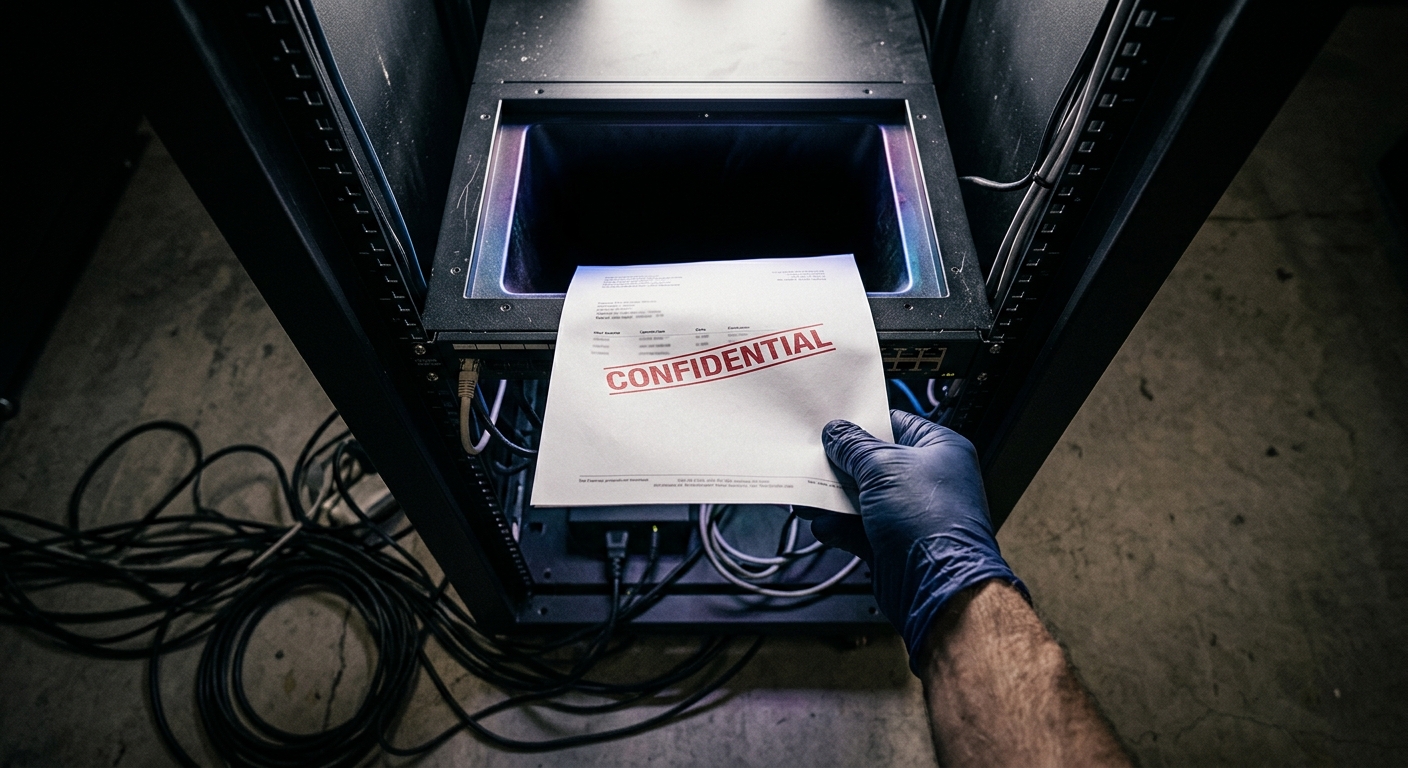
What happens to your business data when you use free online tools
You need to convert a PDF to Word. Or compress an image. Or merge a few documents together. You type something vaguely relevant into Google, click the first result that isn't an advert, upload your file, and thirty seconds later you've got what you need. Job done.
Except you've also just sent a document containing client names, financial projections, or unreleased product details to a server operated by a company you've never heard of, registered in a country you'd struggle to find on a map, with a privacy policy you definitely haven't read. Which might be fine. Or might be the digital equivalent of photocopying your diary at a motorway service station and leaving the copies on the counter.
The actual business model of free tools
Here's the uncomfortable bit: when something online is free, you're usually paying in ways that aren't immediately obvious. Most free online tools aren't run by benevolent souls who simply adore file conversion. They're businesses, and businesses need to make money somehow.
Some plaster you with adverts, which is annoying but relatively harmless. Others use the freemium model—basic features cost nothing, useful features require a subscription. Fair enough. But then there are the ones that treat your uploaded files as a resource. They might analyse your documents to improve their algorithms. They might aggregate data about usage patterns. In some cases, they might retain copies of everything you upload, indefinitely, because their terms of service include a clause buried in paragraph forty-seven that says they can.
The point isn't that every free tool is doing something nefarious with your business plan. Most aren't. But unless you've actually checked, you don't know which category they fall into. And "I assumed it would be fine" isn't a particularly robust data protection strategy.
What could actually happen to your files
Let's be specific about the possibilities. When you upload a document to a free online tool, several things might occur:
Your file gets processed and immediately deleted from their servers. This is what you're hoping for.
Your file gets processed and deleted after a few hours or days. Still reasonable, though there's a window where it's sitting on someone else's computer.
Your file gets processed and stored indefinitely as part of their general business operations, but nobody actually looks at it. Probably harmless, though if their security is rubbish, it might not stay private.
Your file gets analysed by automated systems to train AI models, improve search functions, or build datasets. Your specific document might never be seen by human eyes, but its contents contribute to their intellectual property.
Your file gets accessed by their staff, either routinely or if flagged by automated systems. This could be for quality control, legal compliance, or reasons they haven't disclosed.
Your file ends up compromised in a data breach because the company running a free PDF tool doesn't have the same security budget as, say, a bank.
Which of these applies to any given tool? You'd need to read their privacy policy, terms of service, and possibly their company's broader data handling documentation. And even then, you're trusting that they're being honest and following their own rules.
When it genuinely doesn't matter
This isn't about being paranoid. Sometimes using free online tools is completely sensible. If you're compressing a photo of your lunch, or converting a publicly available document that's already on the internet, or editing an image that contains no sensitive information whatsoever, then crack on. The risk is essentially zero because there's nothing sensitive at stake.
The same applies if you're working on personal projects with no confidential element. Converting your own CV, resizing family photos, or creating a PDF of your amateur dramatic society's newsletter—all fine. Nobody's going to profit from knowing you played the sheriff in last year's pantomime.
Even for business use, plenty of documents aren't sensitive. Public-facing marketing materials, already-published reports, or material that's explicitly intended for wide distribution—none of these need special handling beyond basic common sense.
When you should probably stop and think
The trouble starts when the documents contain information that's meant to be private. Client lists. Financial records. Legal agreements. Anything with personal data covered by UK GDPR. Strategic plans. Unreleased product specifications. HR documents. Anything marked "confidential" by someone who actually meant it.
If you're uploading this sort of material to free online tools, you're potentially creating several problems. First, you might be breaching your own company's data policies, assuming anyone's bothered to write them down. Second, you could be violating contractual obligations with clients who reasonably expect you to keep their information secure. Third, you might be creating regulatory headaches if the data includes anything subject to compliance requirements.
And fourth—perhaps most awkwardly—you're making decisions about business data security based on whatever's most convenient in the moment, which is rarely the same as whatever's most appropriate.
The GDPR-shaped elephant in the room
If your business operates in the UK, you're subject to data protection law. This means if you're processing personal data—which includes most information about identifiable people—you need a lawful basis for doing so, and you're responsible for keeping it secure.
When you upload a document containing personal data to an online tool, you're technically transferring that data to a third party. If that third party is outside the UK, you're doing an international data transfer. Both of these things come with rules attached. Not impossible rules, but rules nonetheless. You're supposed to know where the data's going, who has access to it, and what they're doing with it.
The Information Commissioner's Office takes a refreshingly pragmatic view of most things, but "I didn't think about it" isn't generally accepted as a defence. Especially if something goes wrong and you have to explain to a client why their confidential information ended up somewhere unexpected.
What you can do instead
The good news is that you're not reduced to using desktop software from 2003 or abandoning convenience entirely. You just need to be slightly more deliberate about your choices.
For routine tasks with sensitive data, use tools where you know what's happening to your files. Software installed on your own computer processes everything locally and nothing gets uploaded anywhere. Modern operating systems include surprisingly capable built-in tools for common tasks like PDF handling and image editing.
If you need online functionality, use reputable services with clear data policies from companies you've actually heard of. They might cost money, but that's rather the point—they're getting paid by you instead of monetising your data in creative ways.
For business-critical functions, your IT department (or the person who handles IT by default because they once fixed the printer) should evaluate and approve specific tools. This sounds bureaucratic, but it's really just "decide once and write it down" rather than everyone making individual judgements repeatedly.
The reasonable middle ground
None of this means you need to treat every document like nuclear launch codes. It just means matching your approach to what you're actually handling. Free online tools are genuinely useful for non-sensitive material. For everything else, take thirty seconds to consider whether uploading it to an unknown server is really the best plan.
Ask yourself: if this file ended up somewhere unexpected, would that create a problem? If the answer is no, you're probably fine. If the answer is "yes, quite a significant one actually," perhaps use something else.
It's not about perfect security—that doesn't exist. It's about not creating unnecessary risks because something was convenient and you didn't think about it. Which, let's be honest, is how most data problems start.
We Don't Just Write About Security
We use it in every single website and app that we make. Too see what we mean then why not take a look at RiCreate our Content Creator. Sign in and 2FA as standard.
And whilst you're here, why not take a look at how you can get RiCreate when we build your website for you.
Of course if you just want to learn more about Security and Privacy then we have lots more articles for you to read:
Stop Using Your Dog’s Name: The Easy Way to Handle Passwords
The Little Padlock Icon: Why People Won't Trust Your Website Without It
How do free online tools make money if they don't charge?
Some show adverts or use a freemium model where useful features require payment. Others might analyse your uploaded files to train AI models, aggregate usage data, or retain copies of your documents indefinitely according to their terms of service.
What actually happens to my files after I upload them to a free online tool?
It varies wildly. Best case, they're processed and immediately deleted. Worst case, they're stored indefinitely, analysed for AI training, accessed by staff, or compromised in a data breach. You'd need to read their privacy policy to know—and trust they're following it.
What should I use instead of free online tools for sensitive documents?
Use software installed on your own computer that processes files locally, or paid services from reputable companies with clear data policies. Your operating system likely already has built-in tools for common tasks like PDF handling and basic image editing.