
Which site-search queries may signal frustration — and how to check
When someone uses the search box on your website, they're being unusually direct about what they want. Unlike the gentle mystery of watching someone wander through your navigation, a search query is essentially a visitor raising their hand and saying, "I'm looking for this, please." Which makes it rather useful when you're trying to work out where your site is falling short.
The trouble is that no single search term reliably predicts that someone will give up and leave. A visitor searching for "returns policy" might be perfectly happy, efficiently finding what they need before completing a purchase. Or they might be furious, hunting for a way to send something back because your product description was misleading. The query itself doesn't tell you which.
What does tell you something useful is the combination of what people search for and what happens next. That's where the evidence of frustration actually lives.
Why search queries matter in the first place
Your site search logs are one of the few places where visitors tell you exactly what they're after, in their own words. This makes them remarkably valuable for spotting problems that might not be obvious from looking at page views or navigation paths alone.
When multiple people search for something that doesn't exist on your site, that's a fairly clear signal that you're missing content they expect to find. When they search using terminology you don't use anywhere in your navigation or product descriptions, you've got a mismatch between how you talk about your offering and how your visitors think about it. And when searches consistently lead nowhere useful, you've got a problem worth fixing.
But none of this emerges from looking at individual search terms in isolation. You need to see what happens after the search.
The patterns that suggest someone is struggling
Frustration tends to show up in behaviour, not vocabulary. Here are the patterns worth watching for:
Searches that return nothing
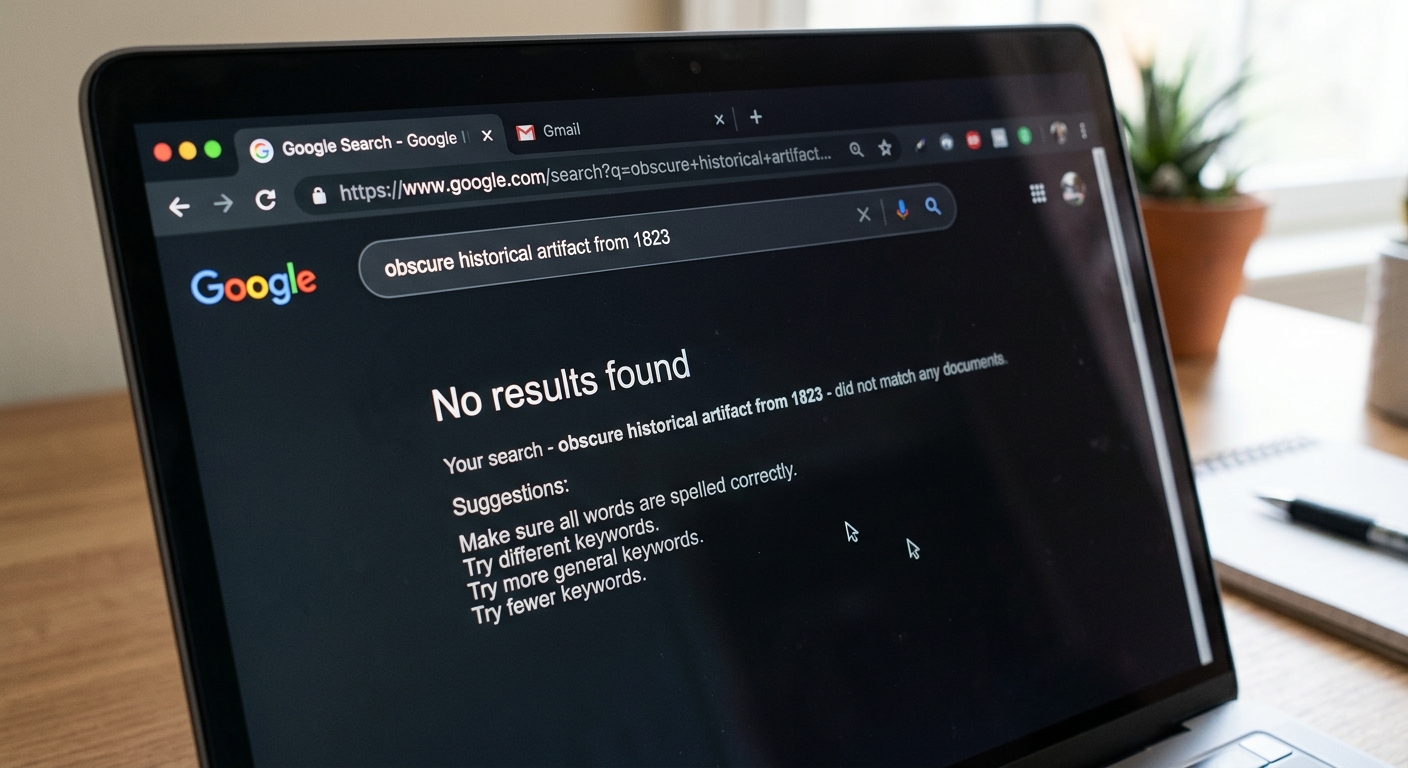
Zero-result searches are the most obvious red flag. Someone has asked for something specific and your site has responded with the digital equivalent of a blank stare. These searches often lead directly to exits, which is unsurprising when you've just told a visitor that what they want isn't here.
The useful bit isn't just knowing that these searches happened, but seeing which ones happen repeatedly. One person searching for something obscure that you genuinely don't offer is just noise. Twenty people searching for it suggests you should either add that content or make it clear on the relevant pages why you don't have it.
Repeated reformulations of the same query
When someone searches for "blue widget," then immediately searches for "blue widgets," then tries "widget blue," they're not playing a fun game with your search box. They're trying different approaches because the first one didn't work.
This pattern of quickly reformulating a query indicates that the results weren't useful. Maybe the search returned something, but not what they actually wanted. Maybe your search function is too literal and didn't understand that singular and plural forms are related. Either way, watching someone cycle through variations tells you more than the individual queries ever could.
Quick exits after searching
If someone searches and then leaves your site within seconds, they probably didn't find what they were after. This is particularly telling when it happens consistently with certain queries.
A query that leads to an immediate exit once might mean nothing. The same query leading to quick exits most of the time suggests the search results aren't meeting expectations, even if technically they're returning pages that match the keywords.
Searches with results but no clicks
Sometimes your search function returns a page full of results, but nobody clicks on any of them. This is more subtle than a zero-results search, but it's just as much a problem. It means either the results don't look relevant based on their titles and descriptions, or they're buried far enough down the list that people don't bother scrolling.
How to actually check for these patterns
If you're using analytics software that tracks site search, you should already be collecting most of this data. The specific mechanics vary depending on your setup, but the general approach is the same: you're looking at search queries alongside what happened after each search.
Start by identifying your most common search terms. Then filter them by outcome: which ones led to clicks on results, which ones led to immediate exits, and which ones were followed by another search within a short time frame.
You'll want to look at zero-result searches separately. Most analytics tools let you see which queries returned no results, and you can track how many of these searches led to someone leaving your site. The queries that appear repeatedly in this category are your priorities.
For reformulation patterns, you're looking for sessions where multiple searches happened in quick succession. If someone searches three times in two minutes, they're probably struggling. Look at what they searched for to see if there's a pattern in the terminology or topic.
The key is combining the query data with the behavioural signals. A search term on its own is just information. A search term that consistently leads to exits or repeated searching is evidence of a problem.
What to do with this information
Once you've identified the searches that seem to correlate with frustration, you've got decisions to make. For zero-result searches about topics you do actually cover, the fix might be as simple as adjusting your search configuration or adding synonyms. If people are searching for "trainers" and your site only knows "running shoes," that's easily solved.
When people are searching for content you don't have, you need to decide whether to create it. If enough visitors are looking for something, that's a fairly strong signal that there's demand. But you might also choose to address the expectation directly — a clear statement on a relevant page that you don't offer X, but here's what you do offer instead, can be more helpful than silence.
For searches that return results but don't get clicked, look at whether the problem is with the search results ranking or with how those results are presented. Are the most relevant pages showing up first? Are the titles and snippets in the search results clear enough that someone can tell whether a page will answer their question?
The point is to fix the journey, not to guess at emotional states. You can't truly know whether someone is frustrated, but you can see when searches aren't working, and you can make them work better.
Context matters more than keywords
It's tempting to compile a list of "frustration keywords" — terms like "contact" or "cancel" or "help" that might suggest someone has a problem. But this approach falls apart as soon as you apply it to real websites.
On a support site, searches for "help" might be perfectly normal and successful. On an e-commerce site, searching for "contact" might just mean someone wants to ask a pre-purchase question. The same search can indicate completely different things depending on the context of your site and what happens after.
That's why the behavioural signals matter so much more than the words themselves. A search for "help" that leads to a useful help article and then a successful purchase isn't a problem. A search for "help" followed by three more searches and then an exit probably is.
By focusing on patterns rather than individual terms, you end up with evidence you can actually use, rather than assumptions about what certain words might mean.
If you found this useful
We write quite a bit about search and analytics so if this sort of thing is useful to you, there are plenty more articles where this came from. Have a look through the Search Analytics section and you'll find more ways to make sense of what your visitors are actually doing. Here are some to get you started.
Clicks vs. Impressions in Google Search Console: Reading the Performance Tab Without Drifting Off
Why your 'Average position' in Search Console doesn't mean what you think it means
Why we write about Search Analytics
We don't write about search and analytics because we think it's fascinating dinner party conversation. We write about it because it's part of what we do when we build websites for clients. Getting search working properly, tracking the right things, and making sense of the data afterwards — that's all included when we build your site.
We also offer an ongoing management service for clients who would rather not become search analytics experts themselves. We take care of monitoring this sort of thing, spotting the problems, and actually fixing them, so you can focus on whatever it is you're supposed to be doing instead.
Want to work with us?
If you'd like us to build you a website, or if you've already got one that could do with some proper attention, get in touch. We'll have a conversation about what you need, and if we're a good fit, we'll take it from there. You can find more information on prices and us below (We're based in the lake district and definitely not your usual coders!)
Ongoing Website Management Prices
How can I tell if people are frustrated with my website's search function?
Look at what happens after someone searches, not just what they search for. The main warning signs are: searches that return zero results, people quickly searching multiple variations of the same thing, visitors leaving immediately after searching, or search results that nobody clicks on.
What does it mean when someone searches multiple times in a row on my site?
It usually means they didn't find what they needed the first time. When someone searches for "blue widget," then "blue widgets," then "widget blue" within a couple of minutes, they're reformulating because the initial results weren't helpful.
What should I do about search terms that keep returning zero results?
First, check if you actually cover that topic but use different words — you might just need to add synonyms to your search. If multiple people are searching for something you don't have, consider either creating that content or adding a clear explanation on relevant pages about what you do offer instead.