
Remember When Buying Software Meant You Owned It?
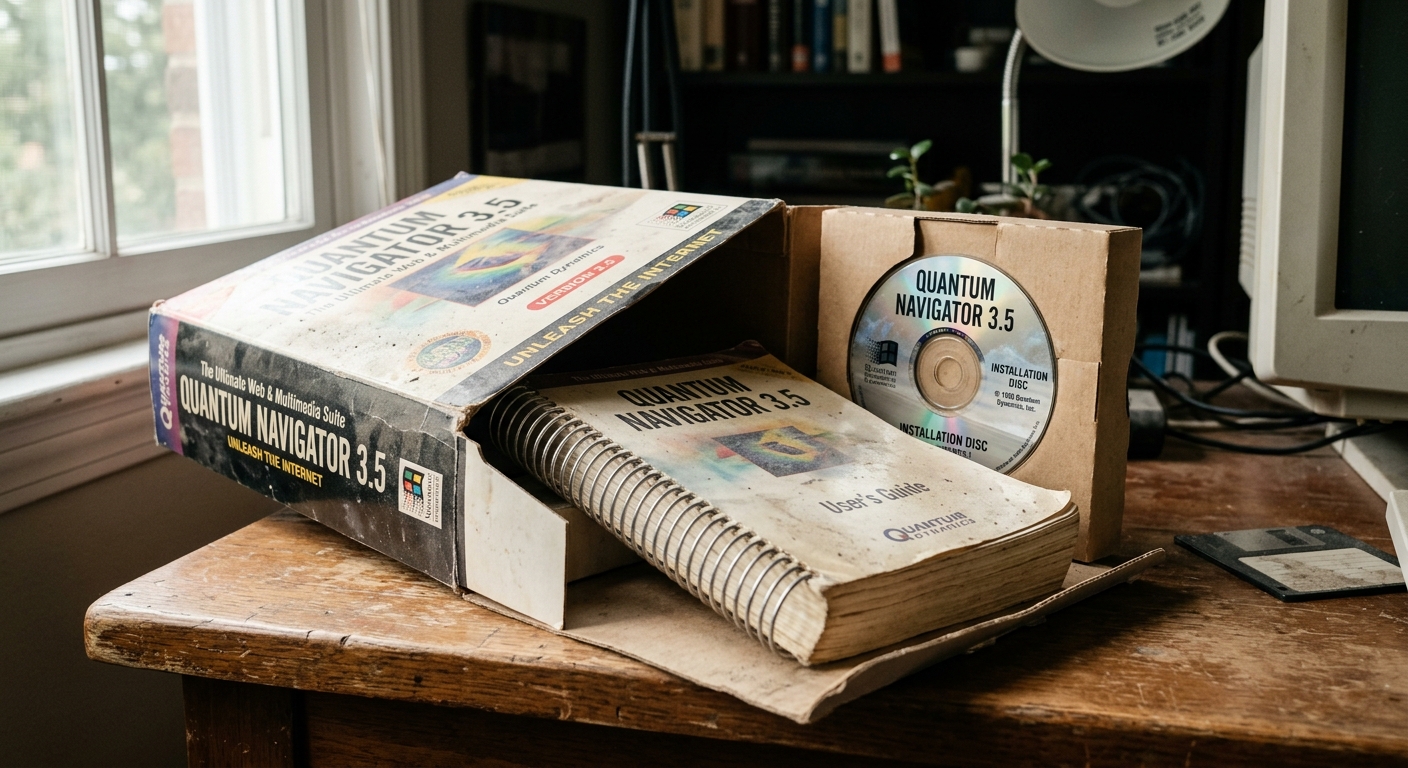
There was a time when buying software involved a box large enough to suggest it contained industrial equipment. Inside sat a disc, a printed manual, a serial number and, occasionally, a registration card nobody was entirely certain they needed to post.
You installed the program and it worked. It might continue working for years, long after the developer had released something newer and the box had become storage for unrelated cables. Nobody emailed to explain that your access would end on Thursday unless you updated your card details.
Strictly speaking, you did not own the software itself. You owned a copy and a licence to use it. But in ordinary life, it felt remarkably like ownership: you paid once, kept the program and decided when to replace it.
The modern arrangement is often very different. Software is increasingly subscribed to, signed into and checked against an account somewhere else. That has brought real advantages. It has also given us the peculiar experience of renting tools as basic as a calculator, a font manager or the program that opens last year’s invoices.
The reassuring finality of paying once
Perpetual software made the transaction easy to understand. The developer named a price, you paid it and the version you bought remained available to you. A newer version might appear next year, but upgrading was a choice rather than a monthly condition of continued use.
This suited people who kept computers for a long time and did not need every new feature. A small business could buy an accounts package, train its staff and leave the thing alone until hardware or tax rules forced a rethink. Predictable was the appeal. The software became part of the furniture.
There were disadvantages, naturally. That version did not receive improvements forever. Support ended, operating systems changed and a dependable old program could eventually refuse to run on a new machine. Moving a licence between computers was sometimes a small administrative opera involving serial numbers, activation limits and a phone line that had apparently been placed in a cupboard.
Ownership never meant immortality. It did, however, put more of the timing in the customer’s hands.
Why subscriptions took over
Subscription software is not merely a scheme invented during a particularly ambitious finance meeting. Continuous development costs money. Security updates, cloud storage, support teams, backups and online collaboration all continue after the original sale.
For the customer, spreading the cost can make capable software easier to start using. The latest version arrives without a large upgrade bill, colleagues can work on the same files, and documents follow you between devices. If a laptop expires after meeting a cup of tea, cloud-stored work may be waiting safely on the replacement.
Businesses also benefit from simpler administration. An account can be created for a new employee and removed when they leave. Everyone uses a compatible version, rather than discovering during an urgent deadline that Colin still has the edition from 2014 and cannot open anything.
Those are useful improvements. The difficulty is that a payment model has gradually become a dependency model.
When renting becomes the only option
A subscription is easy to tolerate while the service is useful and the price feels fair. It becomes more uncomfortable when the supplier raises the price, removes a feature or changes the package and the customer has little practical choice but to accept it.
Leaving may mean more than finding an alternative program. Years of files, templates, workflows and staff knowledge may be tied to the existing system. Export tools sometimes preserve the data but not the working experience around it. A neat project can become a folder full of separate files and a quiet sense of defeat.
Account-dependent software adds another vulnerability. A billing error, failed sign-in or unavailable authentication service can interrupt access to a tool installed on the computer in front of you. The program is present; your permission to use it is temporarily elsewhere.
This matters most when software is part of essential work. Losing access to an entertainment service is annoying. Losing the ability to open a client file on the morning it is due has a rather different atmosphere.
Abandoned software did not disappear with the box
Perpetual products could be abandoned too. Developers closed, websites vanished and old activation servers were switched off. A disc was not a magical guarantee that a program would survive every future computer.
Cloud software changes the consequences. When a locally installed product was discontinued, an existing copy might carry on working. When a hosted service closes, the useful part may disappear completely because the application, storage and account system all live with the supplier.
The important question is therefore not simply whether software is bought or rented. It is what remains available if the commercial relationship ends.
Can you export your information in a useful format? Will exported documents open elsewhere? Is there an offline mode? How much notice will you receive before a service closes? A reassuring answer given before purchase is far more useful than a hurried answer given during migration weekend.
A sensible way to judge modern software
The cheapest monthly price is rarely the whole cost. Add the number of users, the years you expect to use it and any paid extras needed for storage, support or important features. Then compare that total with a perpetual alternative, including realistic upgrade and maintenance costs.
Next, look at dependence. If the account vanished tomorrow, what work would stop? Could you retrieve the data? Would your customers notice? Software used for a minor task can carry more risk than expected if it holds the only copy of something important.
It is also worth checking whether the subscription is paying for ongoing value. Regular security updates, responsive support and genuinely useful improvements justify continuing costs. A program that has barely changed while the invoice develops fresh confidence each year deserves a less sentimental review.
Finally, keep exits practical. Use open or widely supported file formats where possible, maintain appropriate backups and test exports before they are urgently needed. “Your data can be downloaded” is comforting until the download turns out to be several thousand oddly named files and a spreadsheet requiring archaeological training.
The best model depends on the job
Perpetual licences still make sense for stable, self-contained tools that do not depend on a live service. Subscriptions suit software that needs continuous updates, collaboration, hosting or active support. Some suppliers offer both, which is refreshingly close to treating customers as adults.
The fair arrangement is one where the cost and dependency match the benefit. Customers should understand what they are paying for, what happens when they stop and whether their work can leave with them.
Software in a box was not perfect. The manual was heavy, the disc could be scratched and installation sometimes consumed an afternoon for reasons known only to Windows. But once it was running, it generally stayed bought. That small certainty is worth remembering when the next indispensable tool asks for a monthly fee and permission to check the internet before opening.
More from Retro Tech
If you enjoyed this look back, there is plenty more in our Retro Tech section. We revisit the machines, programs and online habits that shaped how we work now, including the clever ideas, the awkward limitations and the noises a computer once considered an acceptable greeting. These should give you a few good places to start.
Why yesterday’s technology still matters to us
We write about retro technology because today’s websites and software did not appear from nowhere. Older systems show which ideas endured, which mistakes keep returning in slightly smarter clothing and why apparently small design choices can affect people for years.
That history feeds into the work we build now. We create websites and software around real needs, with enough thought given to how they will be used, maintained and changed later. Nostalgia is pleasant, but learning from it is considerably more useful.
If you would like us to build a website, create software or improve a system that has become rather too familiar with its own limitations, get in touch. Tell us what needs to work better and we will help you find a sensible way forward. Prices can be found below as can more information about us as its always good to know who you will be working with before we talk!
What's the real difference between buying software once and subscribing to it?
When you bought software once, you paid a single price and could use that version indefinitely without ongoing payments. With subscriptions, you pay regularly for continued access, and if you stop paying, the software stops working—even if it's installed on your computer.
Why did software companies switch to subscriptions?
Continuous development, security updates, cloud storage, and support all cost money after the initial sale. Subscriptions let companies fund ongoing work while spreading costs for customers, though it also means you're renting rather than owning.
What happens if the subscription software company goes out of business?
If it's cloud-based, the useful part may disappear completely since the application and your data live on their servers. With old boxed software, at least your installed copy might keep working—that's why it's important to keep backups and use file formats that open in other programs.